E-Learning Content Design
Context
Retail staff and consumers needed to understand complex technical data that, left in its original form, was inaccessible to the people who had to sell and use the products. I worked as the bridge between technical product teams and retail education.
Audience
Retail staff, consumer-facing teams, and corporate learners across global training programmes. Content was designed for audiences ranging from in-store product specialists to multinational corporate employees with varying levels of prior knowledge.
Build
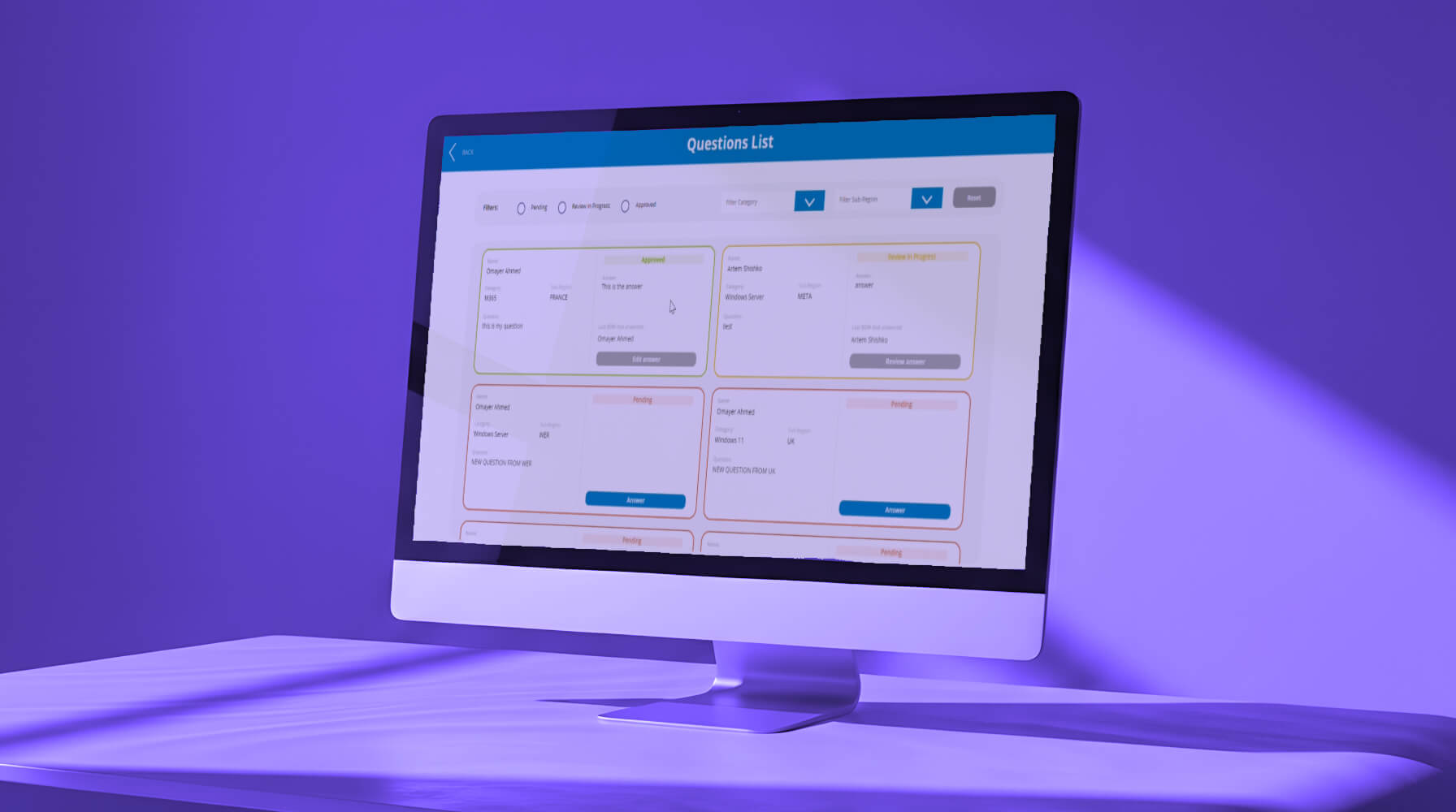
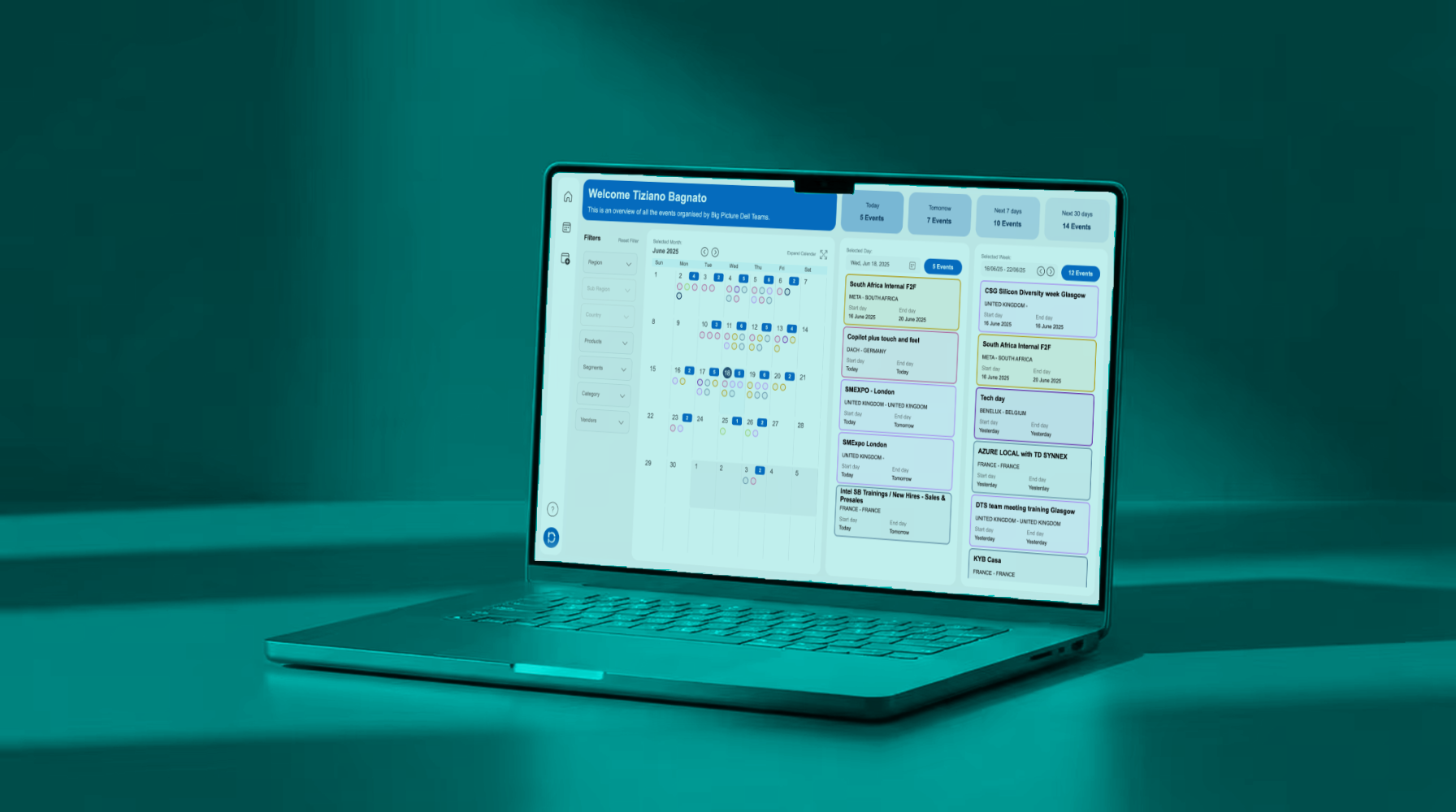
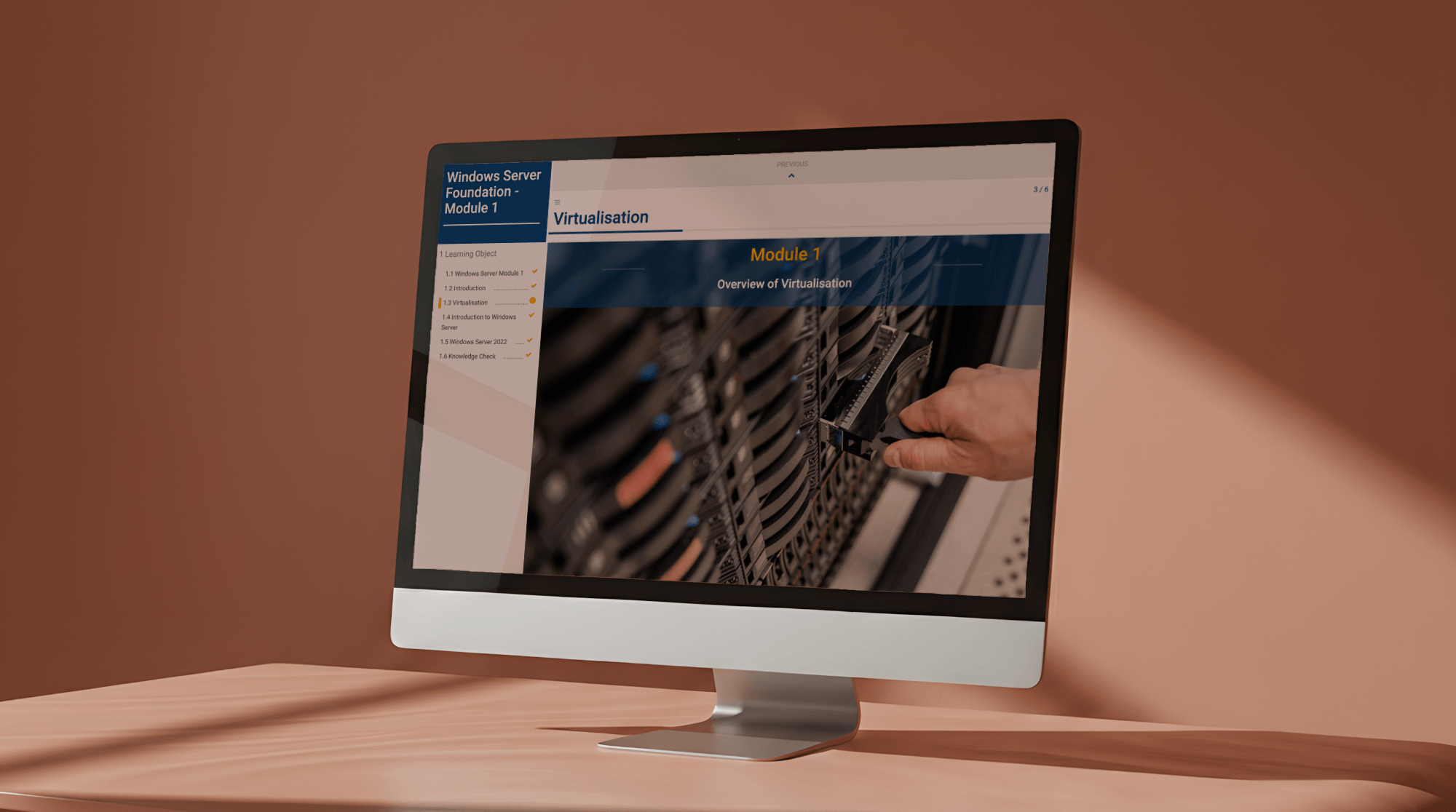
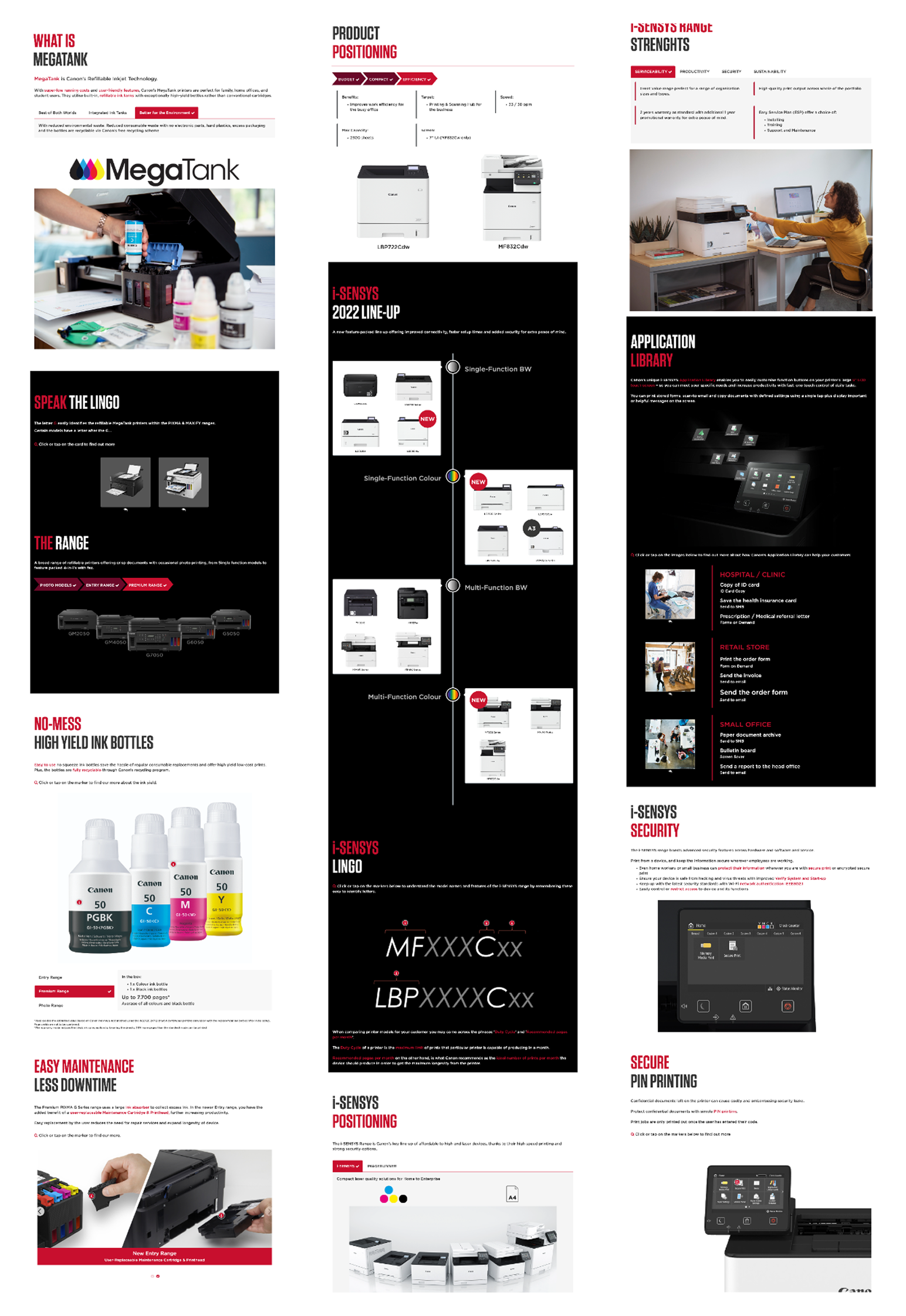
Due to NDA agreements with the clients involved, specific subject matter, brand assets, and detailed module content cannot be shared publicly. The work samples below show structure, interaction design, and visual approach without disclosing proprietary training content.
The e-learning work spanned four distinct content types, each selected based on the learning objective, audience, and deployment context:
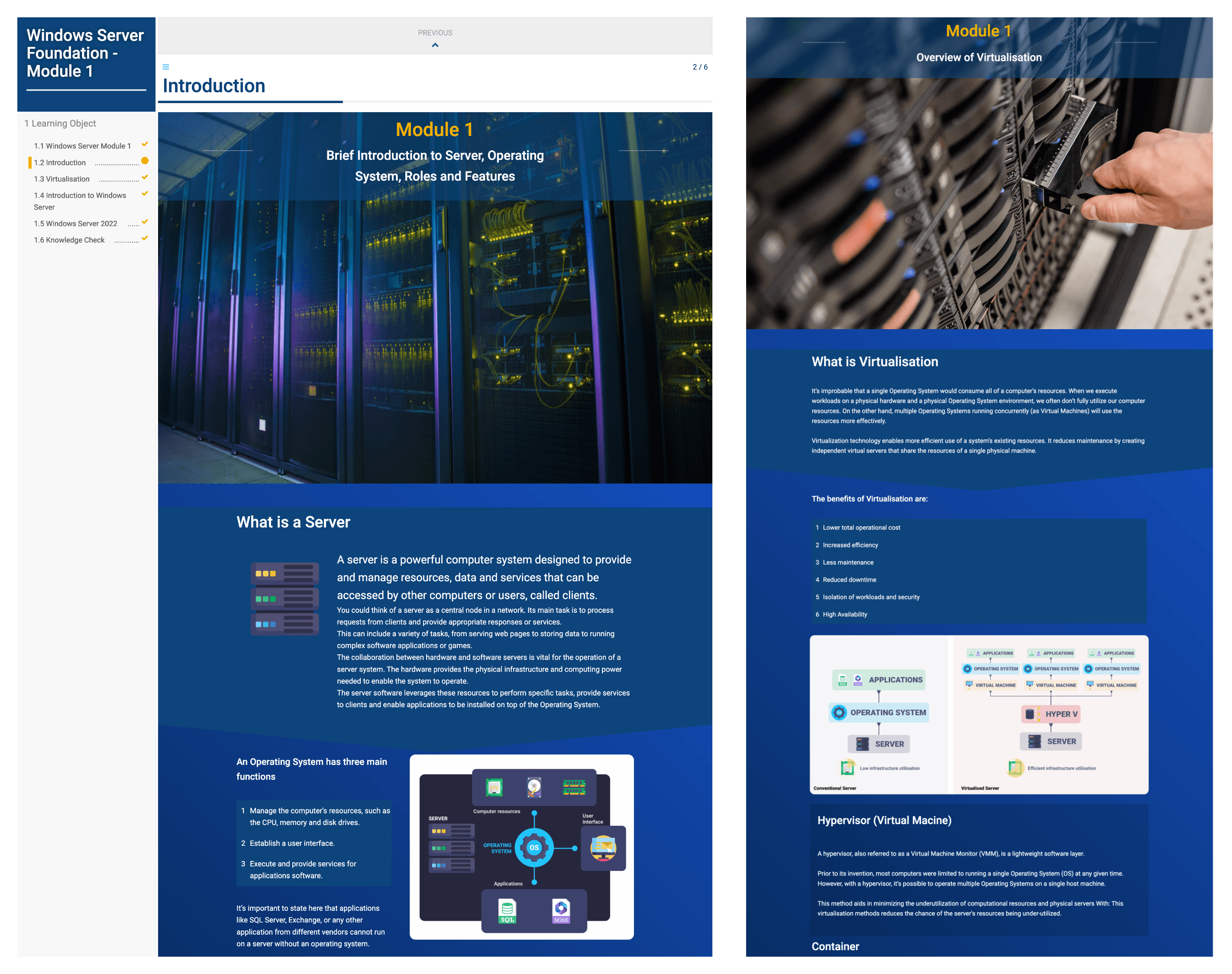
Responsive E-Learning (dominKnow Flow)For content requiring cross-device delivery, I used dominKnow's Flow authoring mode to build fully responsive modules that adapt automatically to desktop, tablet, and mobile without separate builds. This was particularly important for retail training programmes where learners access content on a mix of devices and in-store terminals. Flow allowed me to author once and deploy everywhere without sacrificing interaction quality or layout integrity.
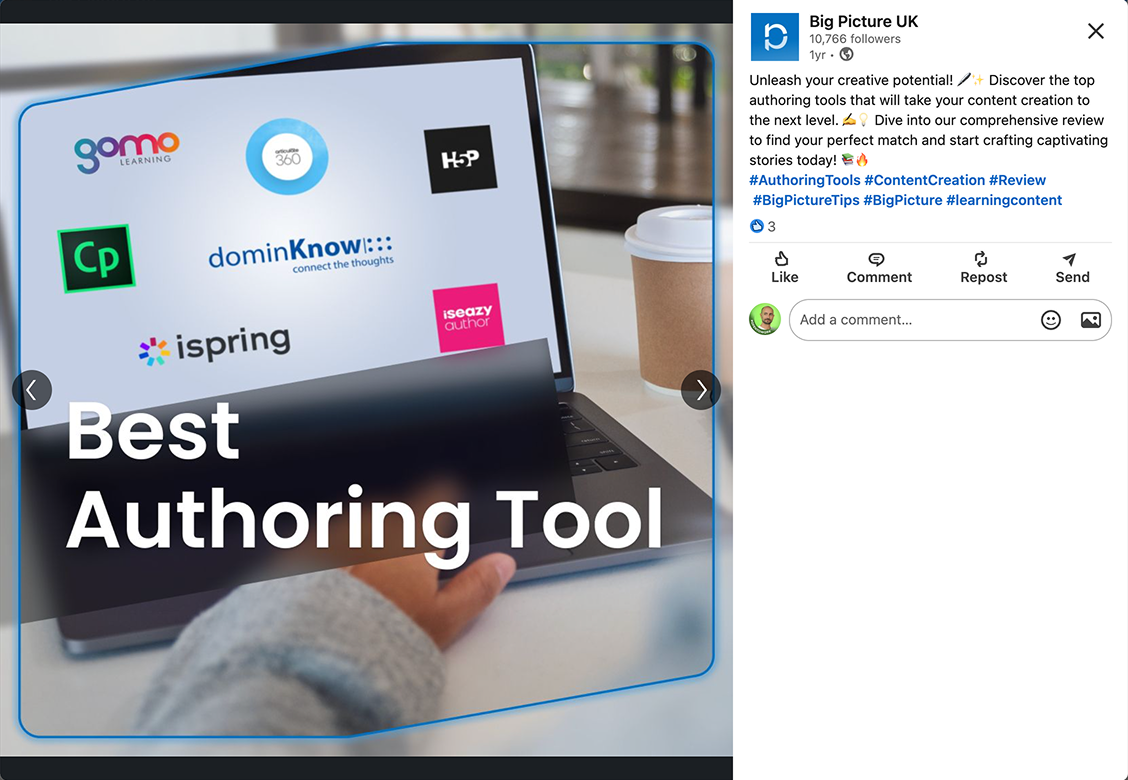
Slide-Based E-Learning (dominKnow Claro & Articulate 360)For structured, fixed-layout content — particularly where existing PowerPoint assets needed converting into interactive HTML5 courses — I used Claro and Articulate 360. Both tools provided a familiar authoring environment while supporting modern interactive elements: knowledge checks, layered content reveals, and progress tracking via SCORM. Articulate 360 was evaluated and used in parallel during a tool assessment process; both platforms were tested against capability, workflow, and output quality before a final recommendation was made. Adobe Captivate was also assessed during this process.
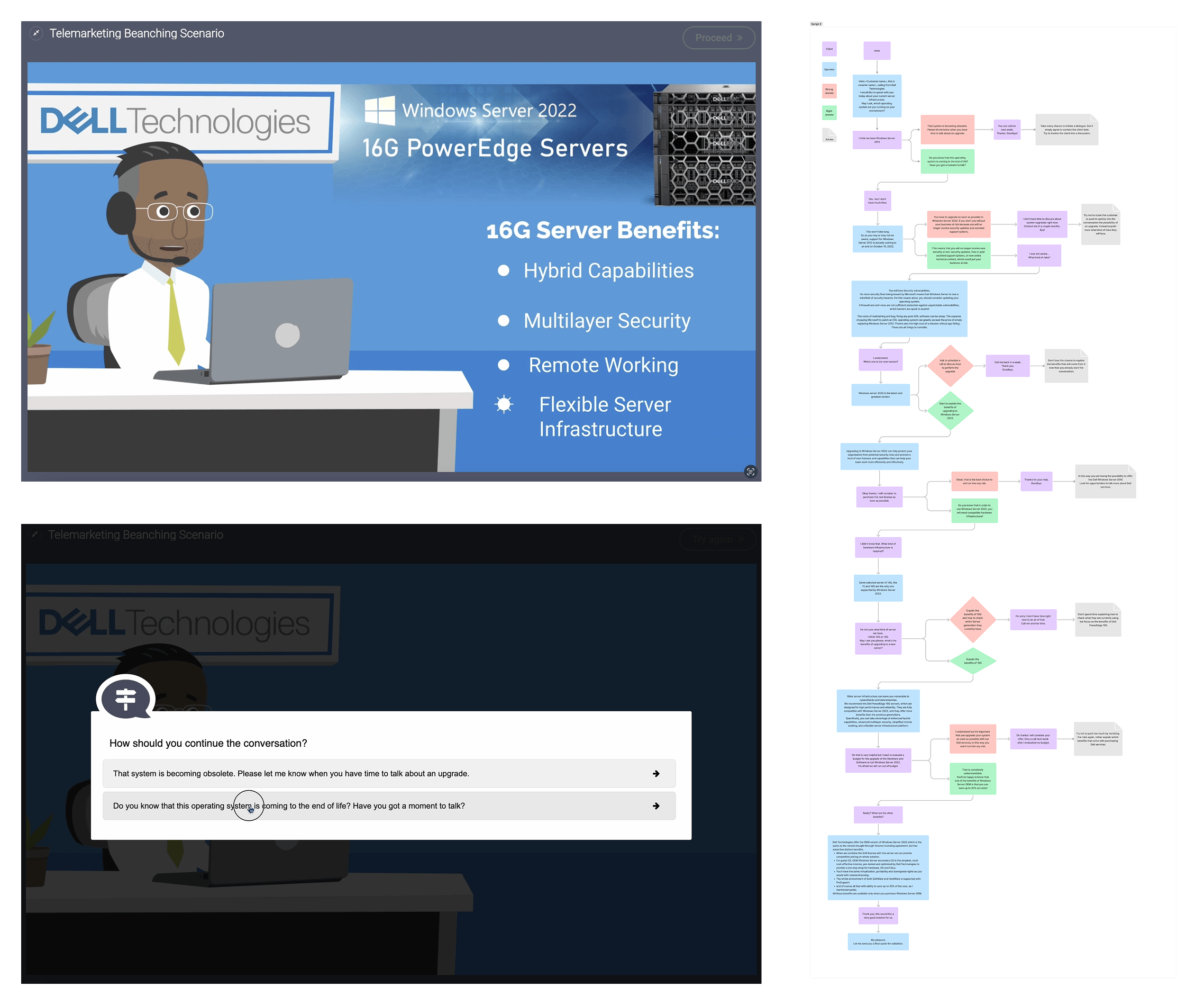
Branching ScenariosFor content designed to develop decision-making and situational judgement, I built HTML5-based branching scenarios that placed learners inside realistic dilemmas and self-paced learning situations. Scenarios were structured around clear learning objectives, with branching logic that gave learners genuine agency over outcomes rather than a linear path with the illusion of choice. Some scenarios incorporated video-based content at key decision points to increase realism and engagement.
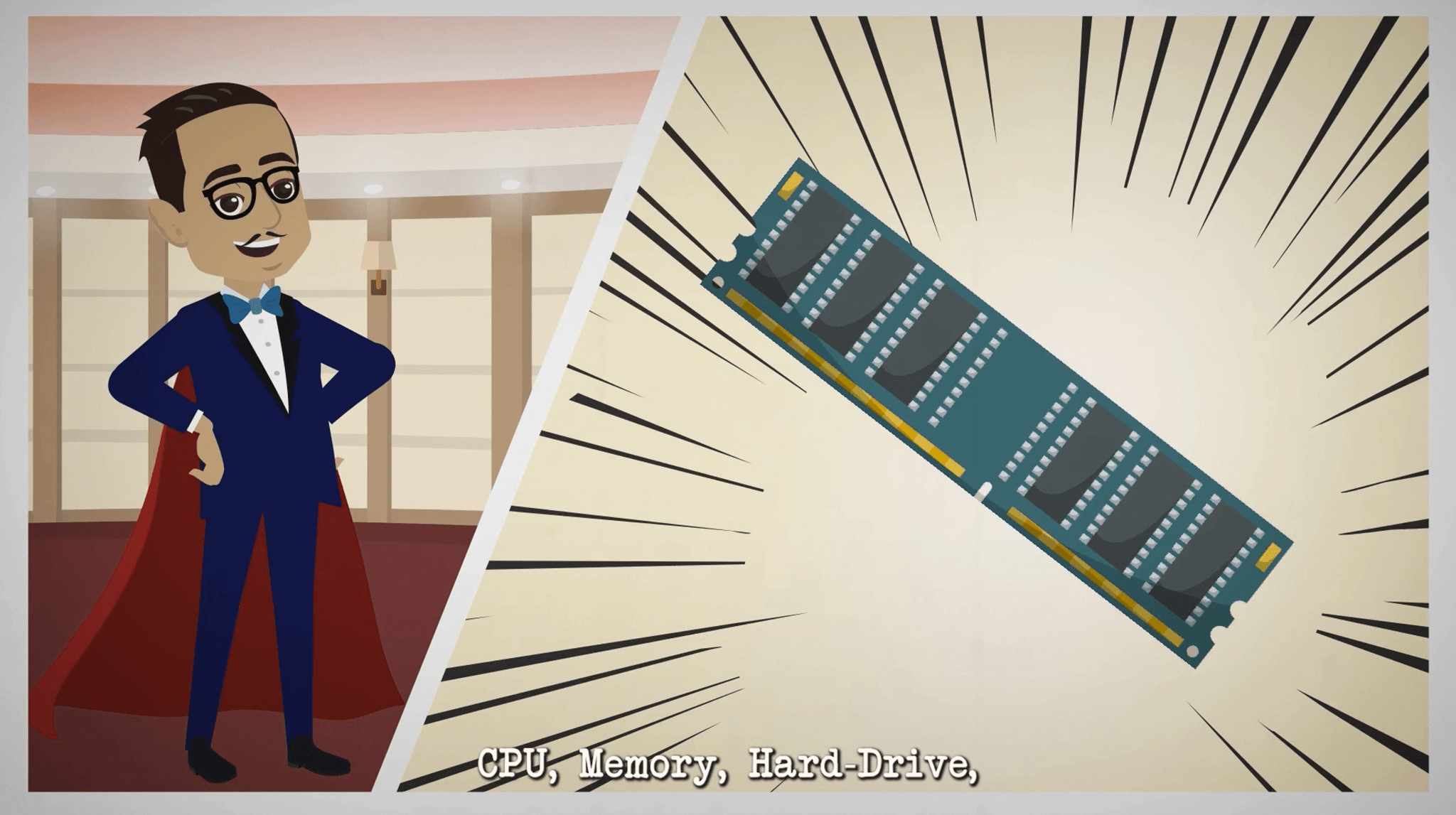
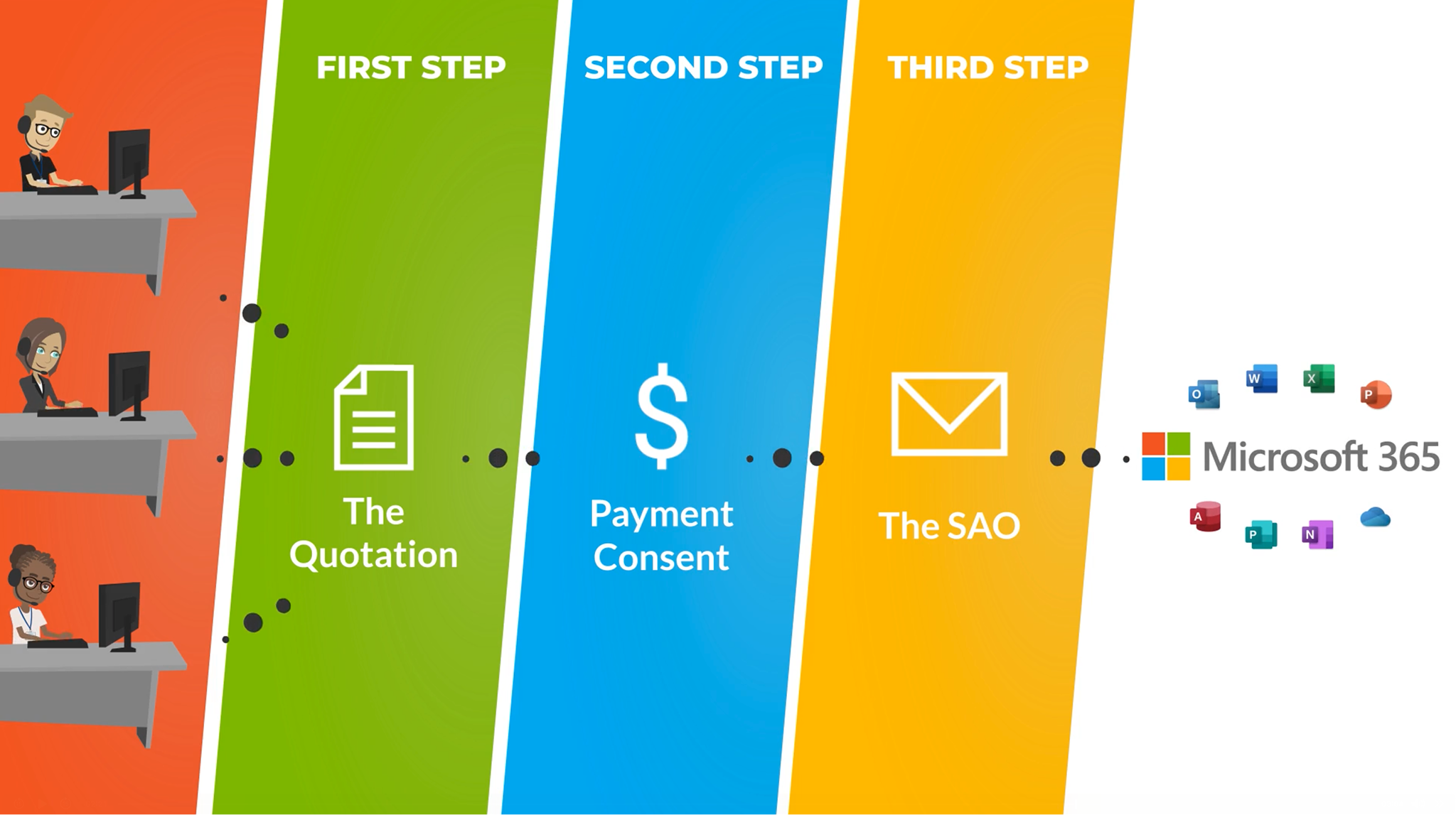
Educational Videos (Vyond & Adobe Premiere Pro)For product training and onboarding content, I produced a series of educational videos using Vyond for animated explainer content and Adobe Premiere Pro for editing and post-production. Videos were designed to work both as standalone assets and as embedded content within LMS modules — including at branching decision points. Vyond's animation style was selected for its ability to present technical product information clearly without requiring live-action filming, which was impractical at the scale and speed of delivery required.
Throughout all content types, WCAG accessibility guidelines were applied — including captioning for video content, sufficient colour contrast, and keyboard-navigable interaction patterns. All content was published via LMS platforms and tracked against completion and assessment outcomes.
Outcomes & Achievements
- Published modules directly to official LMS portals as part of formal enterprise training programmes, reaching learners across multiple countries.
- Advised the wider programme on its authoring platform — ran a structured comparison of dominKnow, Articulate 360, and Captivate against capability, workflow, and output quality, and delivered the recommendation stakeholders built on.
- Produced video content deployed across retail and consumer channels, covering full product ranges for audiences with no prior technical background.
- Authored responsive content once and deployed it across desktop, tablet, and in-store terminals — no separate builds, no added development overhead.
- Held WCAG accessibility across every content type — captioning, colour contrast, and keyboard-navigable interaction throughout.
Specific client names, product details, and branded content are withheld under NDA. Screenshots show module structure, interaction design, and layout approach. Sample videos are available via the link below.



More Works